AI Brand Perception Analysis
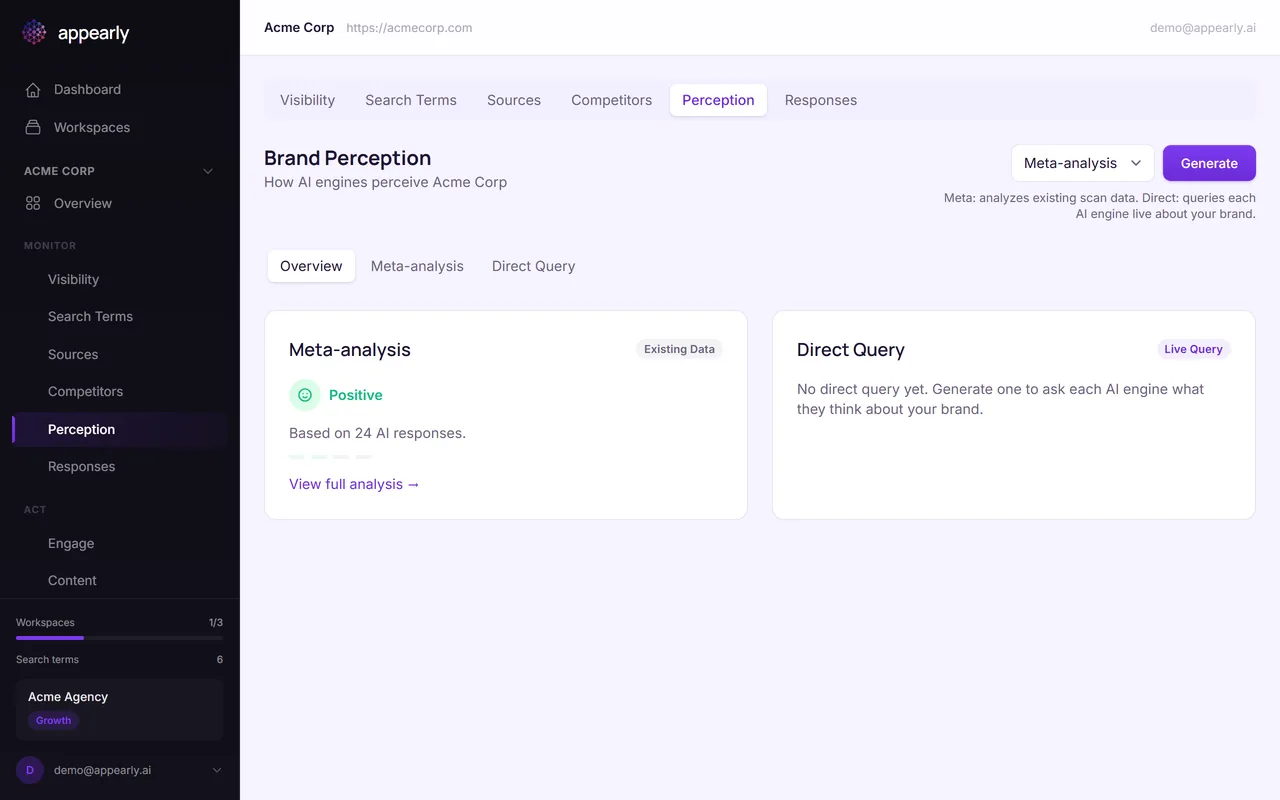
Numbers tell you how visible you are, but perception tells you how AI engines describe you. Appearly's Perception feature uses AI to synthesize all your scan data into a narrative summary of how engines talk about your brand. This guide shows you how to read it, track themes, and use it as a feedback loop.
In this article:
- Open the Perception Tab
- Read the Narrative Summary
- Review the Themes
- Generate a Fresh Snapshot
- Track Perception Over Time
Open the Perception Tab
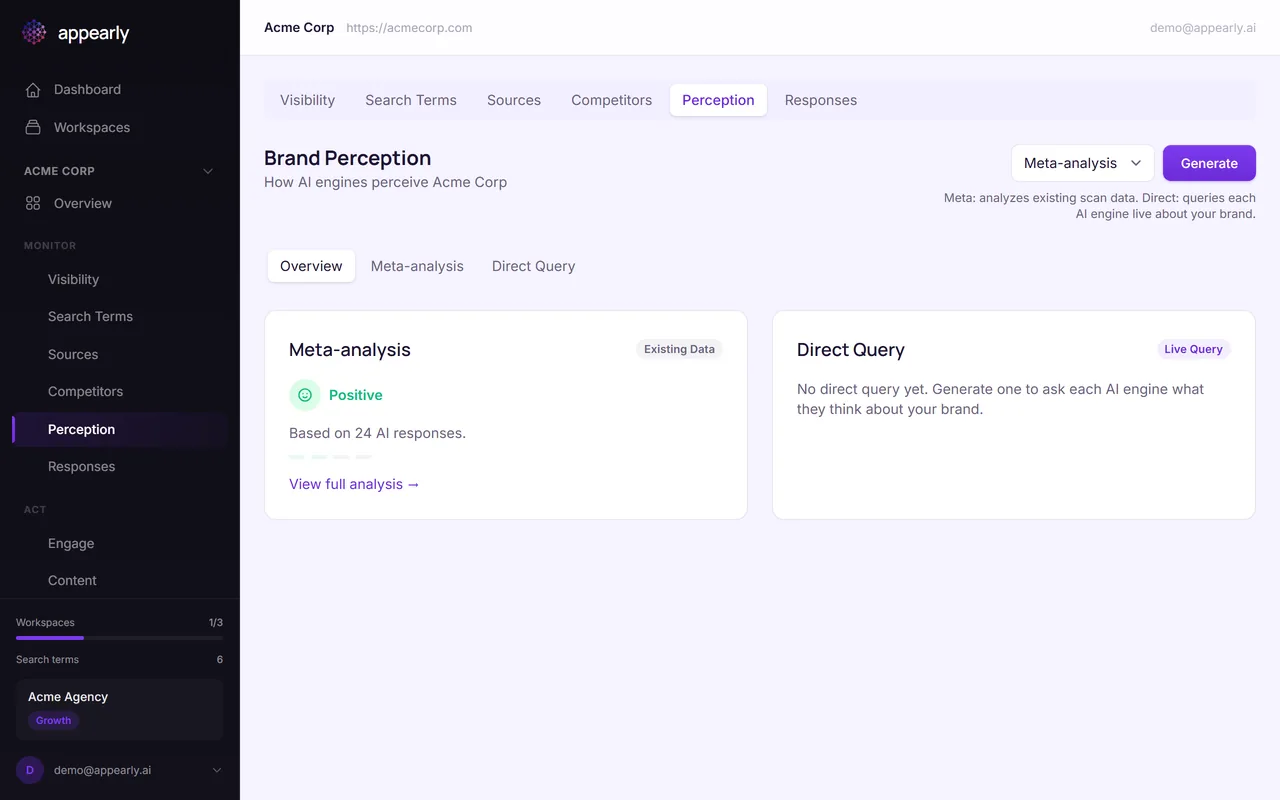
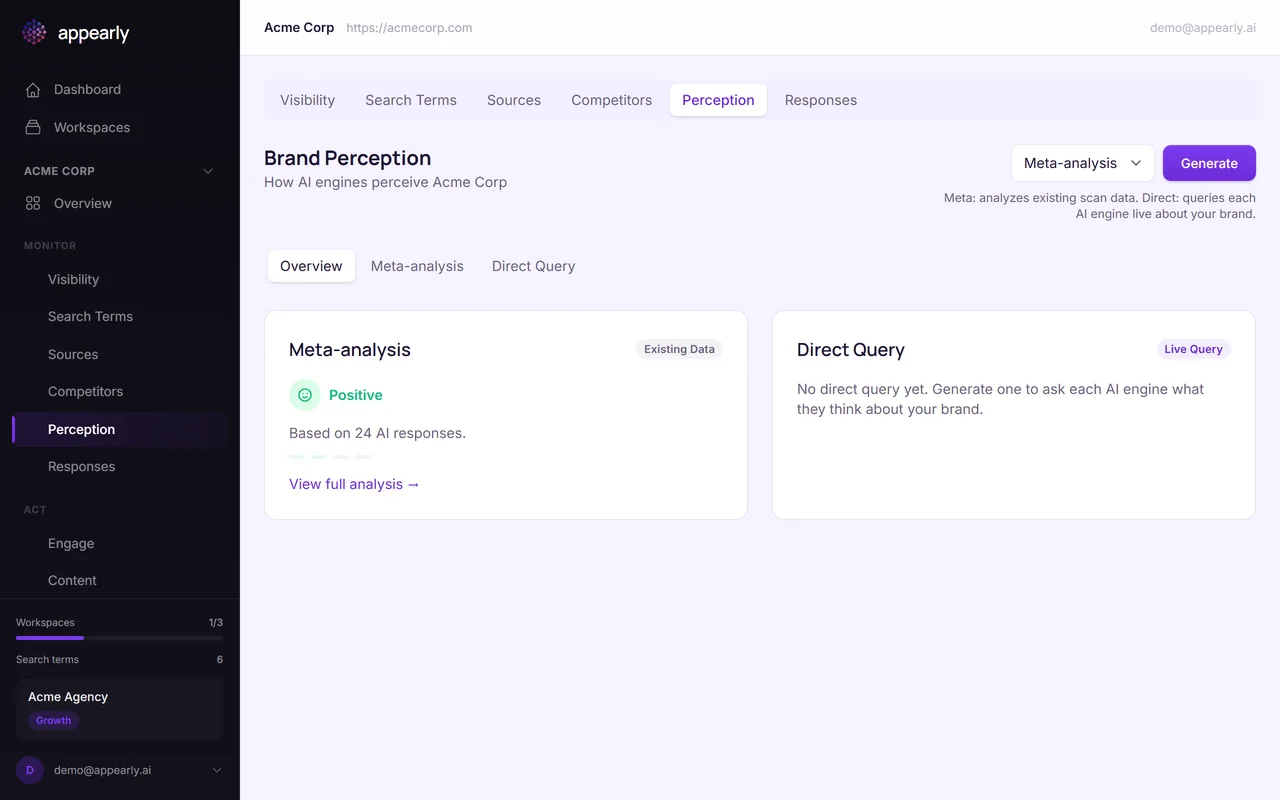
From the Monitor section, select the Perception tab. This feature analyzes how AI engines collectively perceive your brand across all your tracked keywords.
Read the Narrative Summary
The perception snapshot is a written overview of how AI engines describe your brand. It synthesizes data from all your scans into a readable analysis covering the main themes, strengths, and areas where your brand message could be stronger.
This is one of the most unique features in Appearly. It tells you not just whether you're visible, but what AI engines actually say about you.
Review the Themes
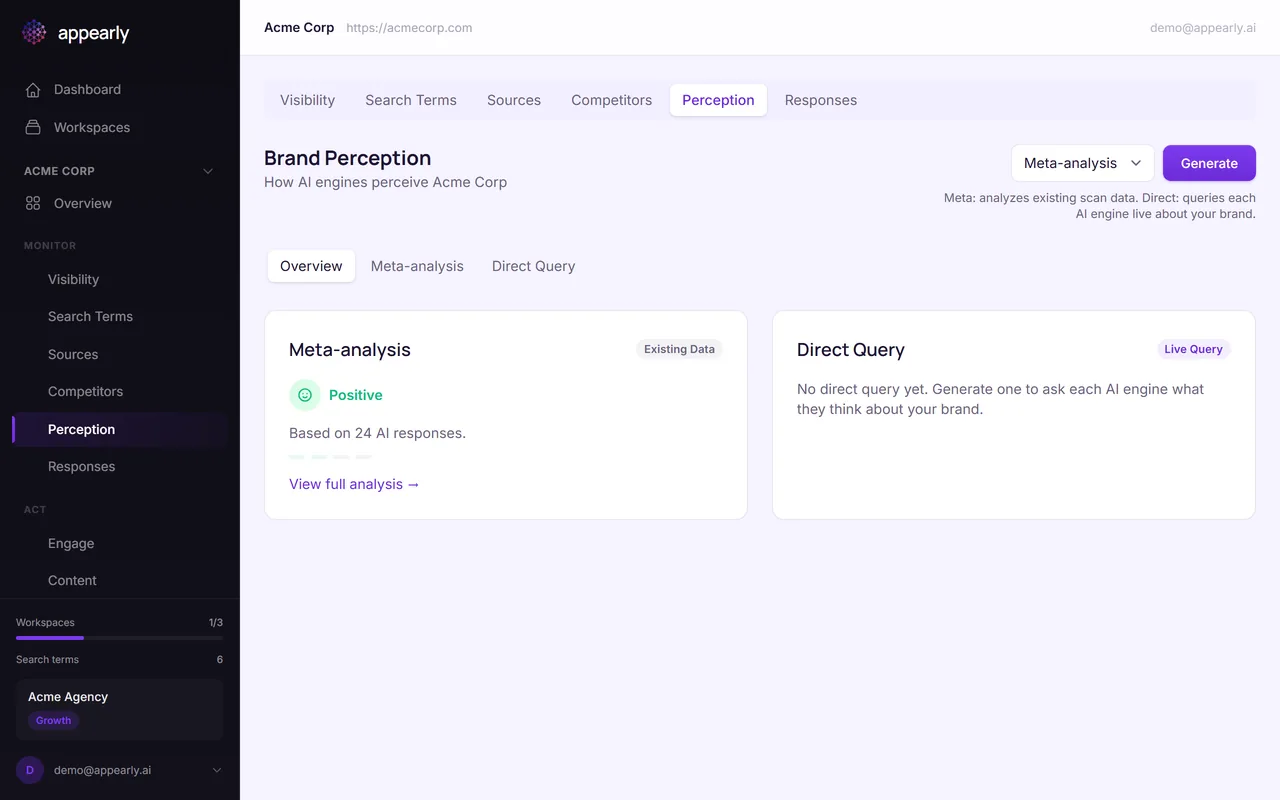
Below the summary, you'll see the key themes AI engines associate with your brand. Each theme has a sentiment tag (positive, neutral, negative, or mixed) and a frequency count.
Positive themes like "innovative features" are what you want to reinforce. Mixed or negative themes like "pricing concerns" signal areas to address through content or messaging changes on your website.
Generate a Fresh Snapshot
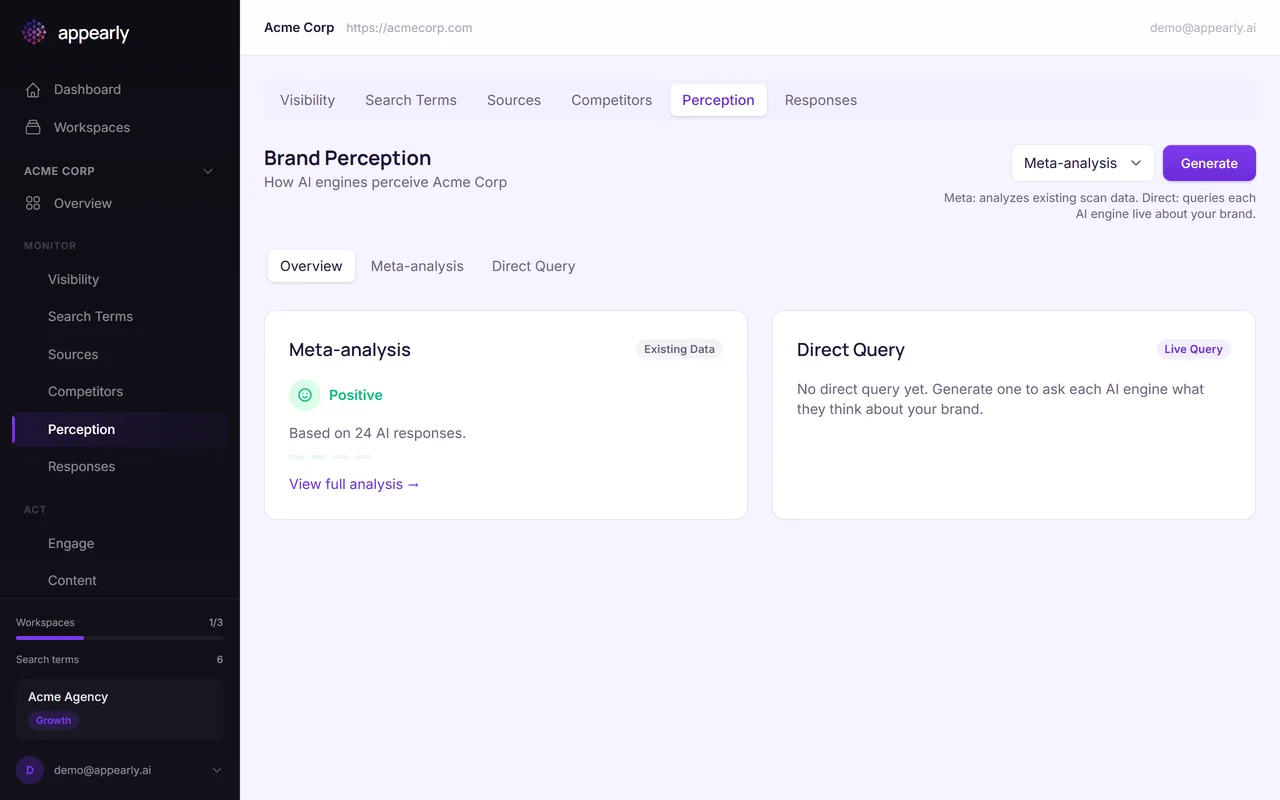
Select Generate New Perception to create an updated analysis based on your latest scan data.
This is especially useful after making changes to your website or content strategy. Run a new scan first, then generate a fresh perception to see if the AI narrative has shifted.
Track Perception Over Time
Every perception snapshot is saved with a timestamp. Over time, you can compare snapshots to see if your optimization efforts are changing how AI engines describe your brand.
This is one of the most powerful feedback loops in Appearly: optimize your content, run a scan, generate a new perception, and see the difference.