Monitoring Competitor Mentions
Your GEO score doesn't exist in a vacuum. What matters is how you compare against competitors in the same AI responses. This guide shows you how to use the Competitors tab to see who's getting mentioned, compare Share of Voice, and turn competitive gaps into action items.
In this article:
Open the Competitors Tab
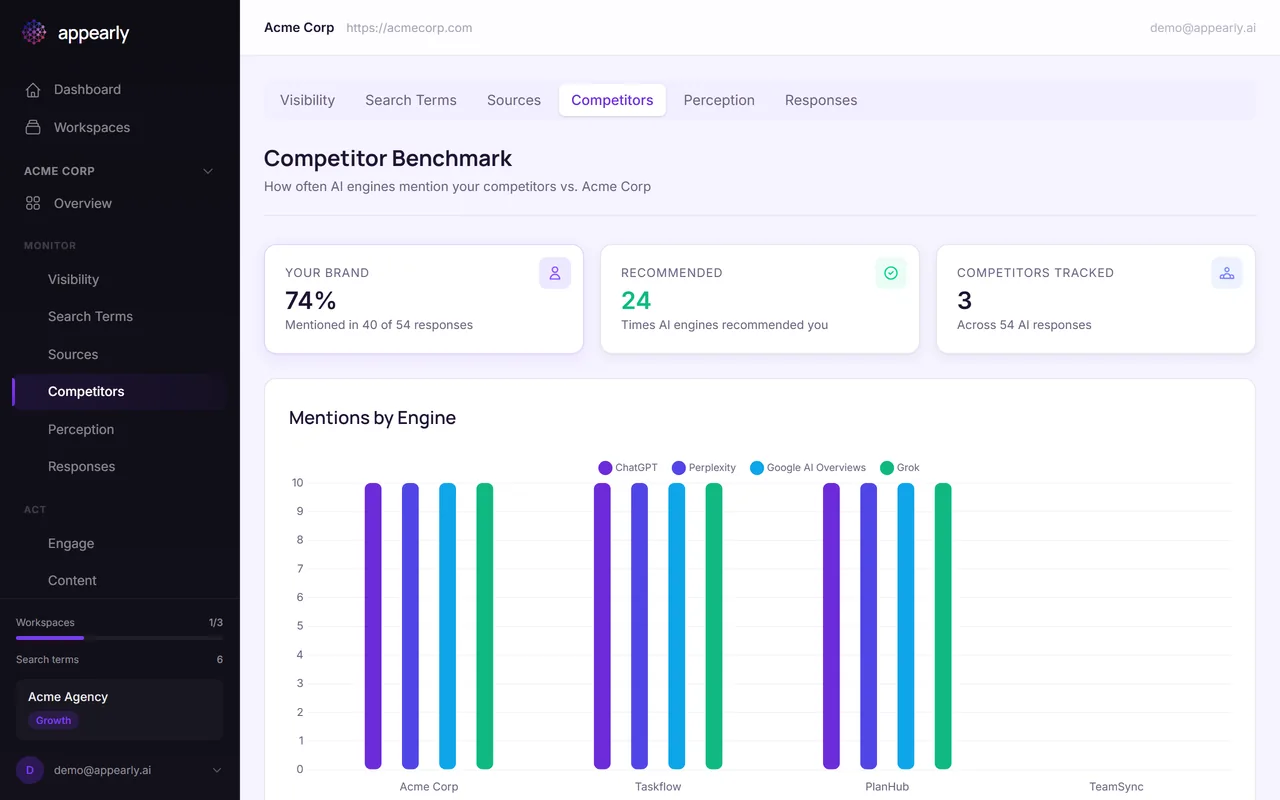
From the Monitor section, select the Competitors tab. This view shows how often competing brands appear in the same AI responses as your tracked keywords.
See Who Gets Mentioned
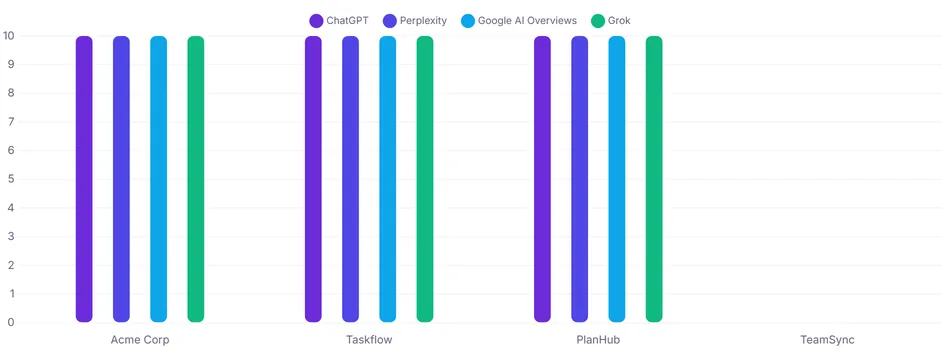
Each competitor is listed with their mention frequency across your tracked keywords. This tells you who AI engines consider the top players in your space.
If a competitor appears more often than you for the same keywords, they have stronger AI visibility for those search terms. That's a gap worth closing.
Compare Share of Voice
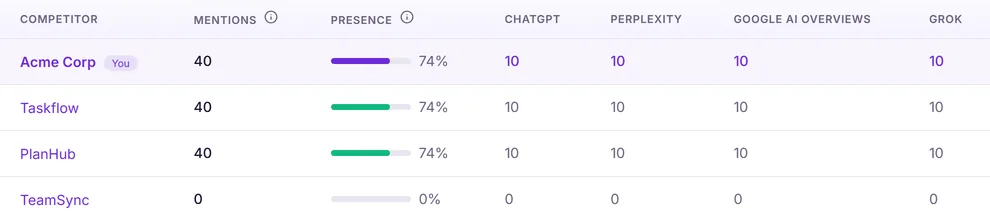
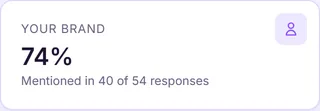
Share of Voice shows your brand's mention percentage compared to all tracked competitors. Think of it as your slice of the AI attention pie.
If your Share of Voice is 40% and the top competitor is at 30%, you're in a strong position. If you're below 20%, there's significant room to grow.
Turn Gaps Into Strategy
The most actionable insight here is at the keyword level. Look at which specific keywords your competitors dominate.
If Taskflow appears in every response about "kanban board software" but you don't, that keyword needs targeted content on your website. This competitive intelligence feeds directly into your action plan.