Getting Started with Appearly
New to Appearly and not sure where to start? This guide walks you through your first login, gives you a tour of the main dashboard, and shows you where to find your GEO visibility score. In just a few minutes, you'll know your way around the core features of Appearly.
In this article:
- Log In to Your Account
- Tour the Dashboard
- Browse Your Workspaces
- Open a Workspace
- Check Your GEO Score
- What to Do Next
Log In to Your Account
Head over to appearly.ai and sign in with the email and password you used when you registered. If you signed up with Google or Microsoft, go ahead and use the single sign-on button instead.
Tour the Dashboard
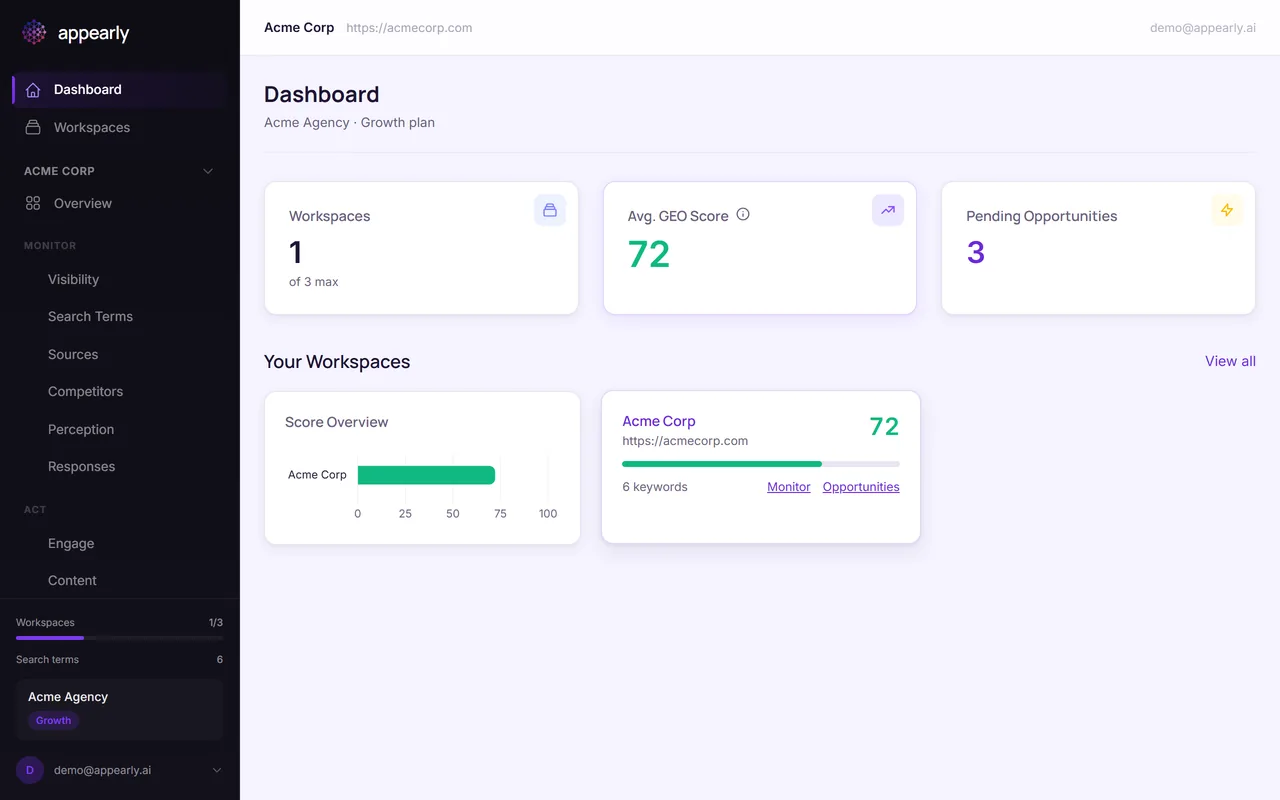
Once you're in, the first thing you'll see is the main dashboard. Think of it as your command center.
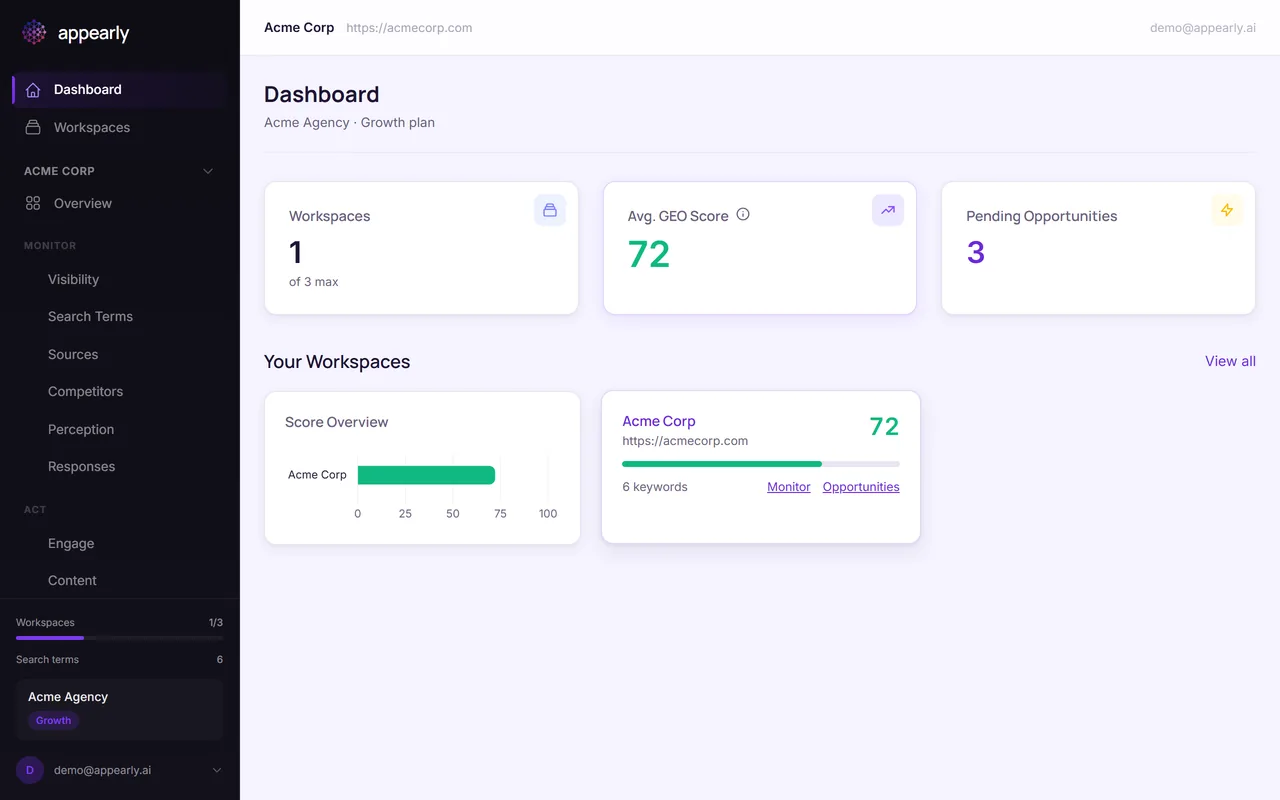
At the top, you'll find 3 summary cards: your total Workspaces, your Avg. GEO Score across all brands, and any Pending Opportunities from Reddit waiting for your attention.
Scroll down a bit, and you'll see the Your Workspaces section with a score overview chart and quick links to each workspace's monitor and opportunities pages.
Browse Your Workspaces
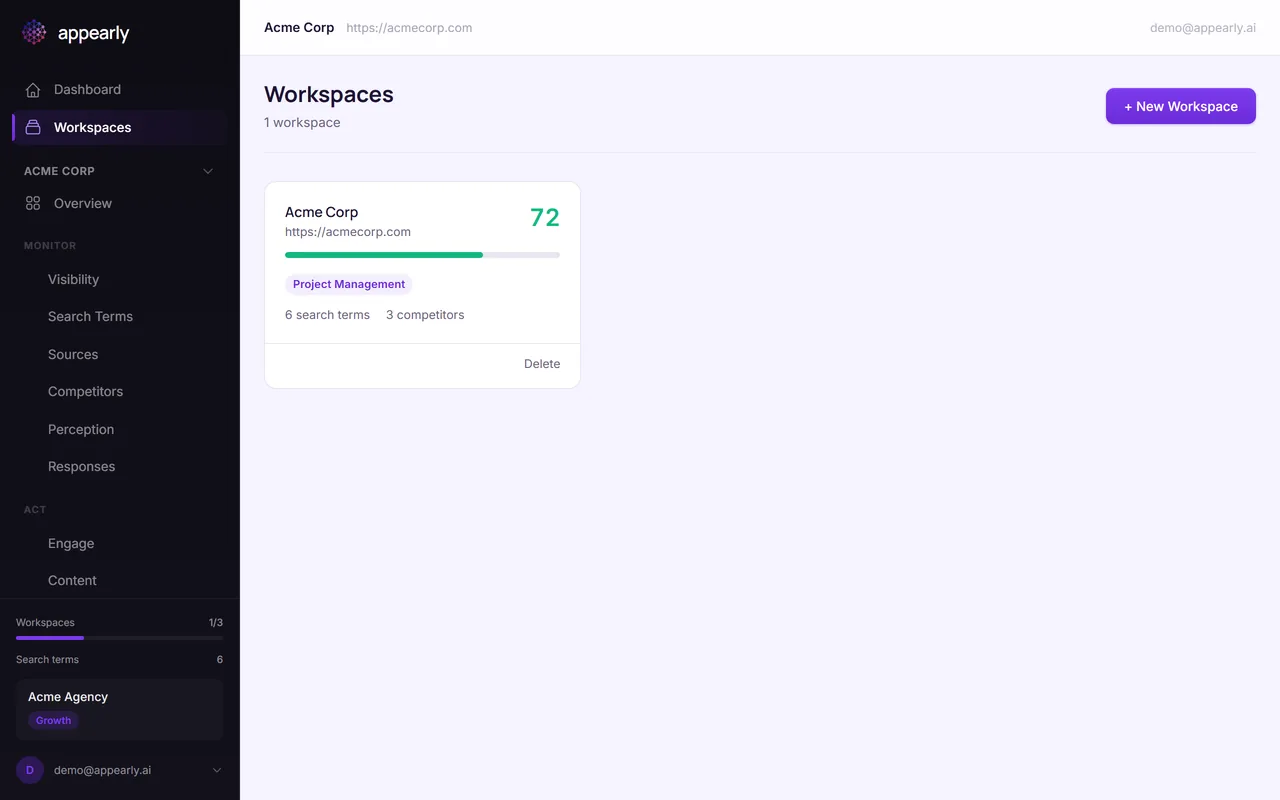
Now, look at the sidebar on the left and select Workspaces. This is where you manage all the brands you're tracking across AI engines.
Each workspace card shows the brand name, domain, GEO score, and how many search terms and competitors are configured. If you're on a Growth or Agency subscription, you'll see multiple workspaces here.
Open a Workspace
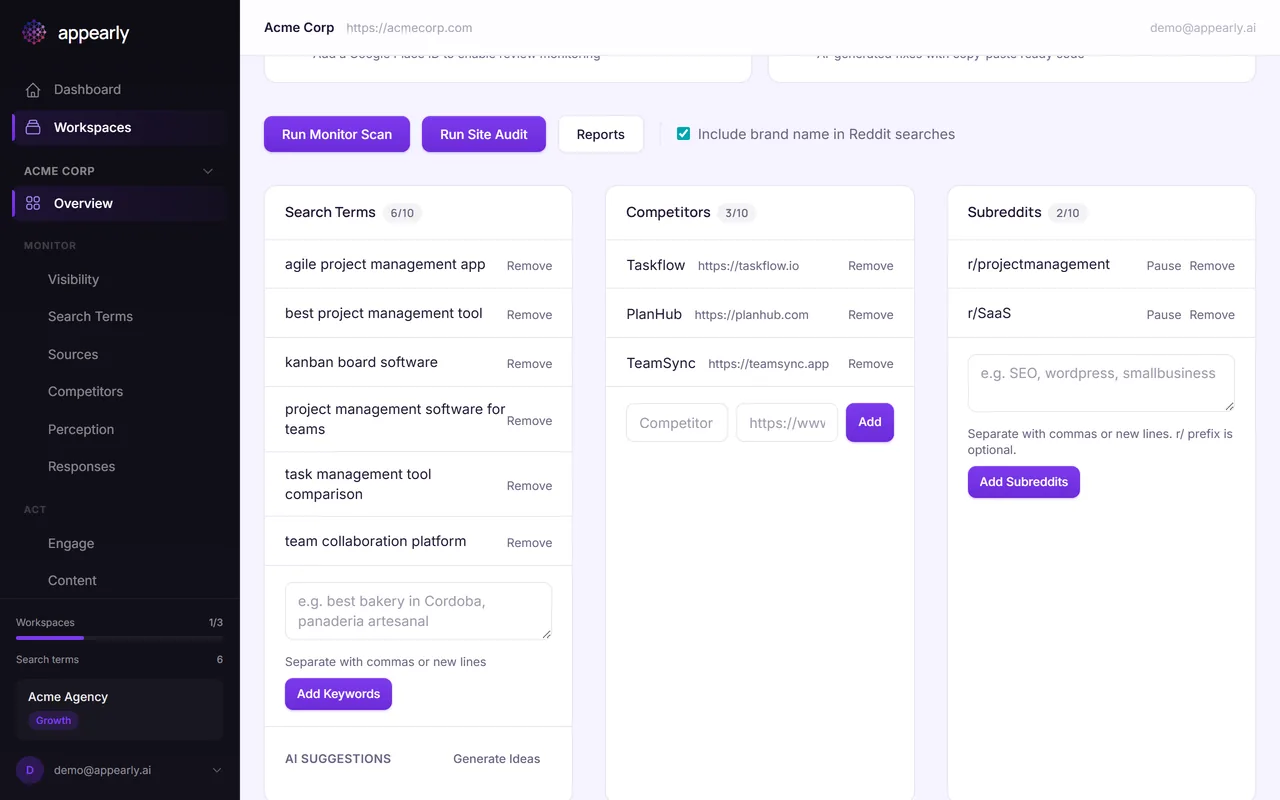
Select any workspace card to open it. Inside, you'll find everything related to that brand in one place.
At the top, you'll see a summary row with your GEO Score, AI Visibility status, Pending Opportunities, and Content Score. Below that, you'll find your tracked Search Terms, Competitors, and Submetrics with quick links to the full monitoring, opportunities, audit, and action plan pages.
Check Your GEO Score
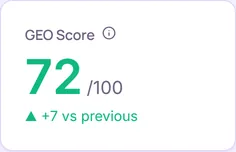
From inside the workspace, go to Visibility in the sidebar (under Monitor). This is where you'll find your GEO visibility score, the single most important metric in Appearly.
Your GEO score tells you how often AI engines like ChatGPT, Perplexity, Gemini, and others mention and recommend your brand when users ask questions in your space. A higher score means more AI-driven visibility for your brand.
Below the headline score, you'll see the GEO Score Trend chart, a Mention and Recommendation Rate breakdown, and individual scores for each AI engine.
What to Do Next
That's it! You now know your way around Appearly's main interface. Here are the 4 things you'll want to do next:
- Run your first visibility scan: Query all AI engines with your tracked keywords and see how your brand performs today.
- Check Reddit opportunities: Find active Reddit threads where your brand is relevant and AI can draft a response for you.
- Run a GEO site audit: Evaluate how AI-ready your website's content and metadata are.
- Generate an action plan: Get a prioritized list of copy-paste fixes to improve your GEO score.
Each of these has its own dedicated guide. We recommend starting with Running Your First Visibility Scan so you have real data to work with.