Finding Reddit Opportunities
AI visibility isn't just about search. Reddit threads influence what AI engines recommend, and people there are actively asking for product suggestions. Appearly's Opportunities feature scans Reddit for conversations where your brand can naturally participate. This guide shows you how to find, review, and act on those opportunities.
In this article:
- Open the Opportunities Section
- Browse New Opportunities
- Filter by Status
- Open an Opportunity
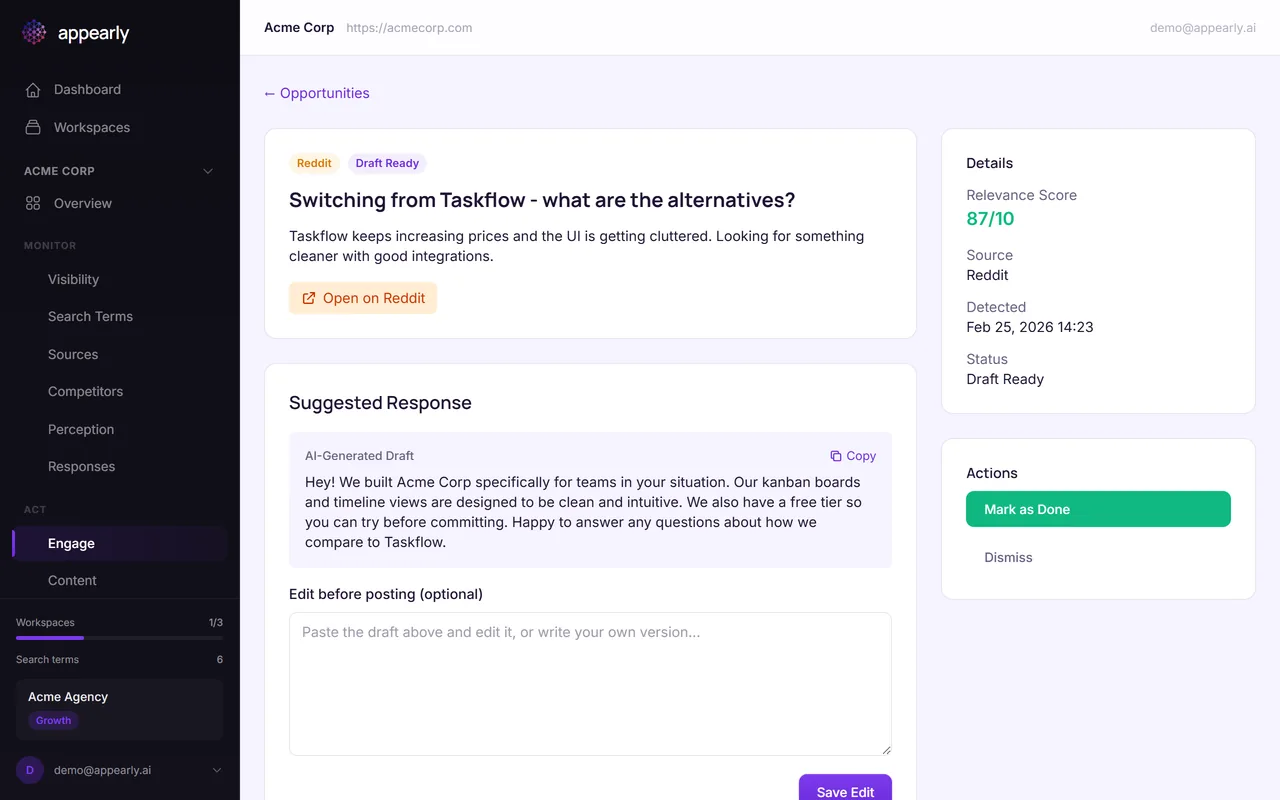
- Review the AI Draft
- Trigger a Manual Scan
- Manage Target Subreddits
Open the Opportunities Section
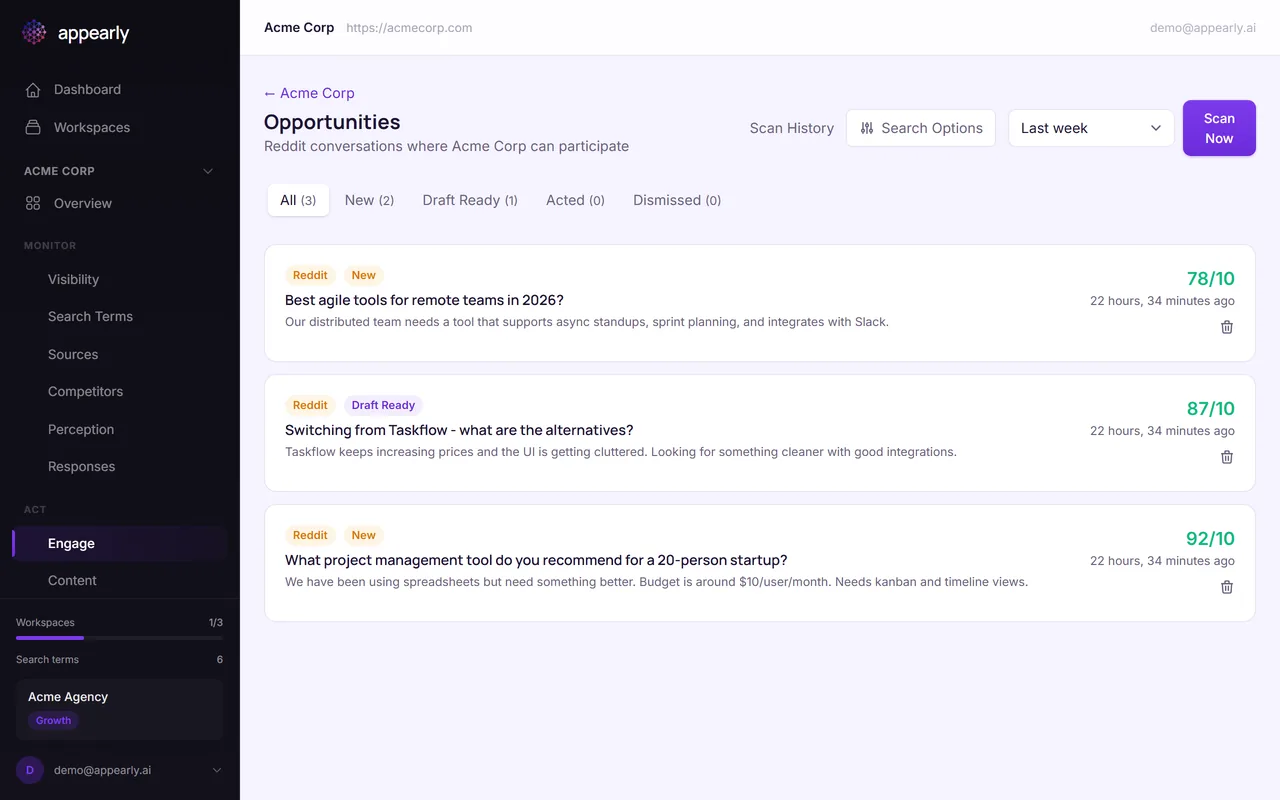
In the sidebar, select Engage for your workspace. This feature scans Reddit for conversations where people are asking for recommendations, comparing products, or discussing problems your product solves.
Browse New Opportunities
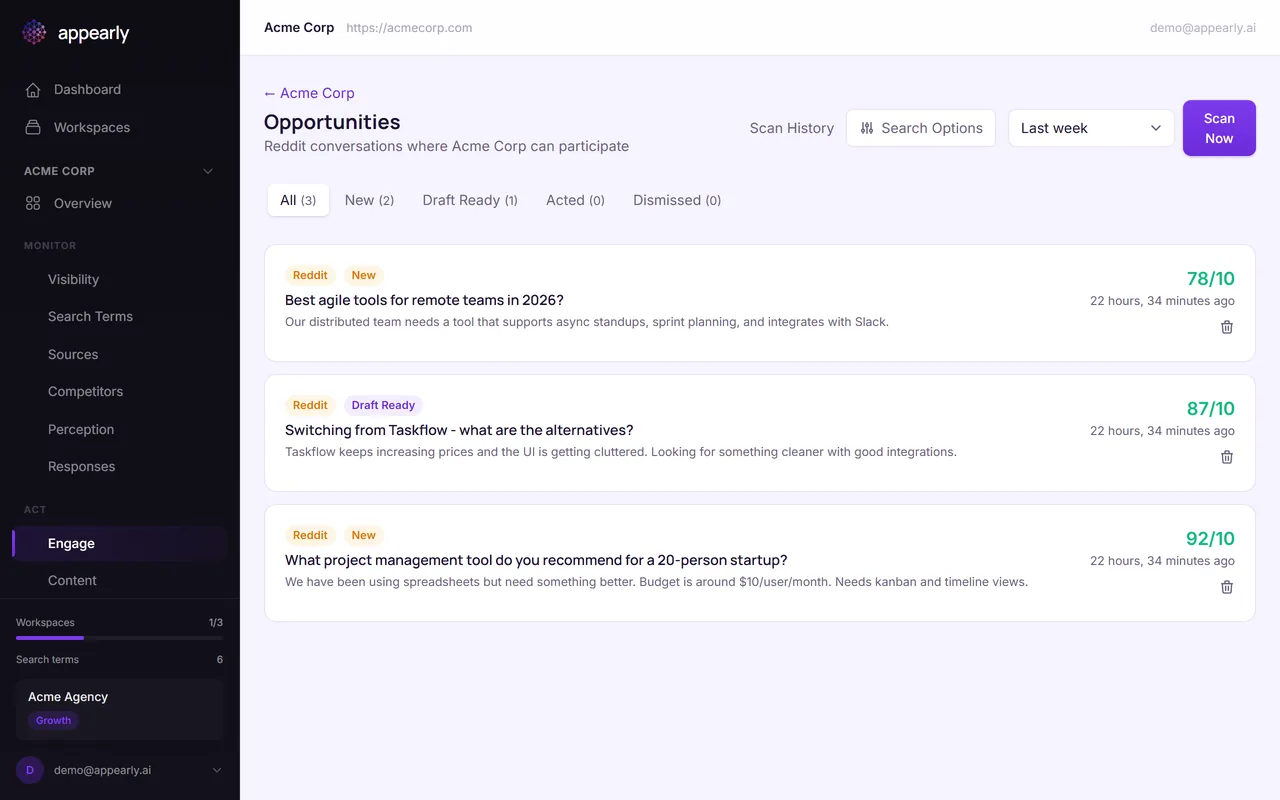
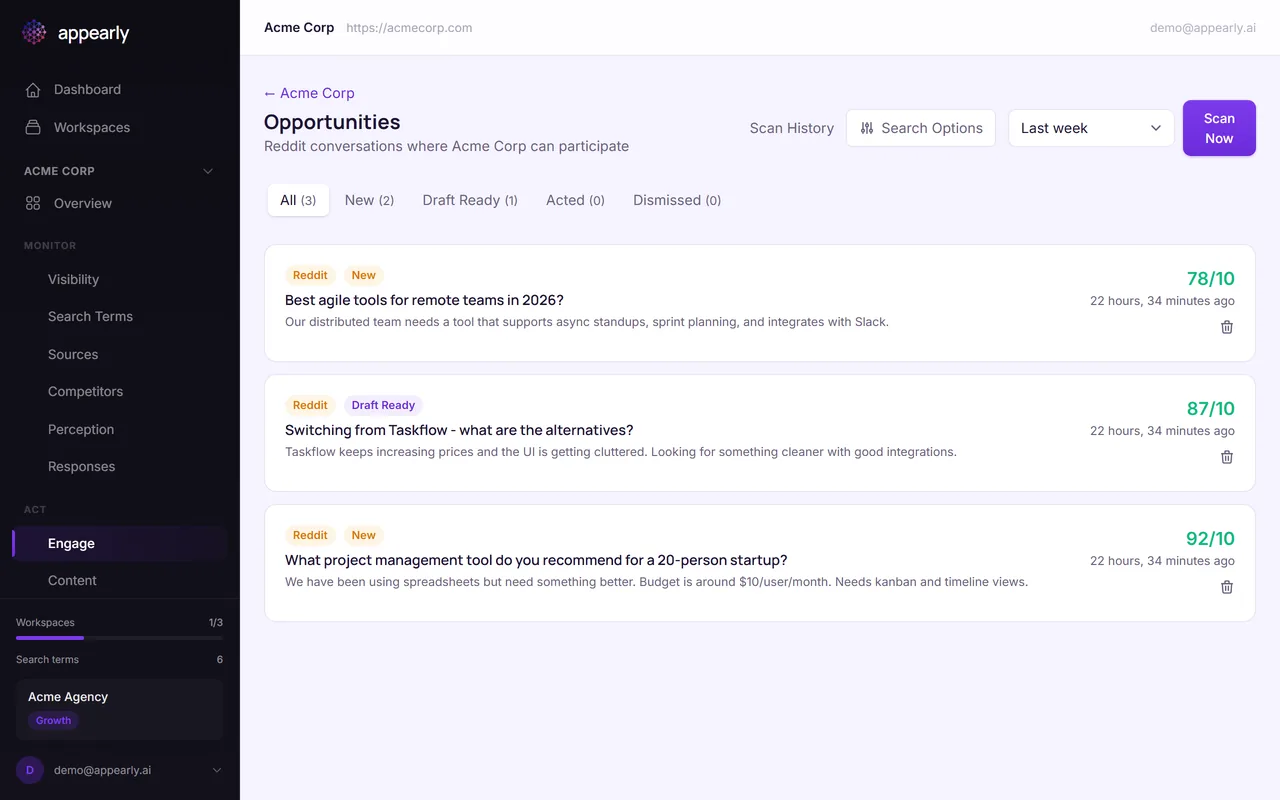
Each opportunity shows a Reddit thread title, a snippet of the conversation, and a relevance score. Higher scores mean the thread is a stronger fit for your brand.
New opportunities you haven't reviewed yet appear with a "New" badge. Start with the highest-scoring ones for the best ROI on your engagement time.
Filter by Status
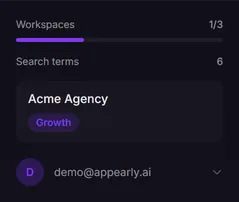
Use the status filters at the top to organize your workflow:
- New: Opportunities that need your review.
- Draft Ready: Appearly has generated a suggested response.
- Acted On: Threads where you've already participated.
- Dismissed: Opportunities you've decided to skip.
Open an Opportunity
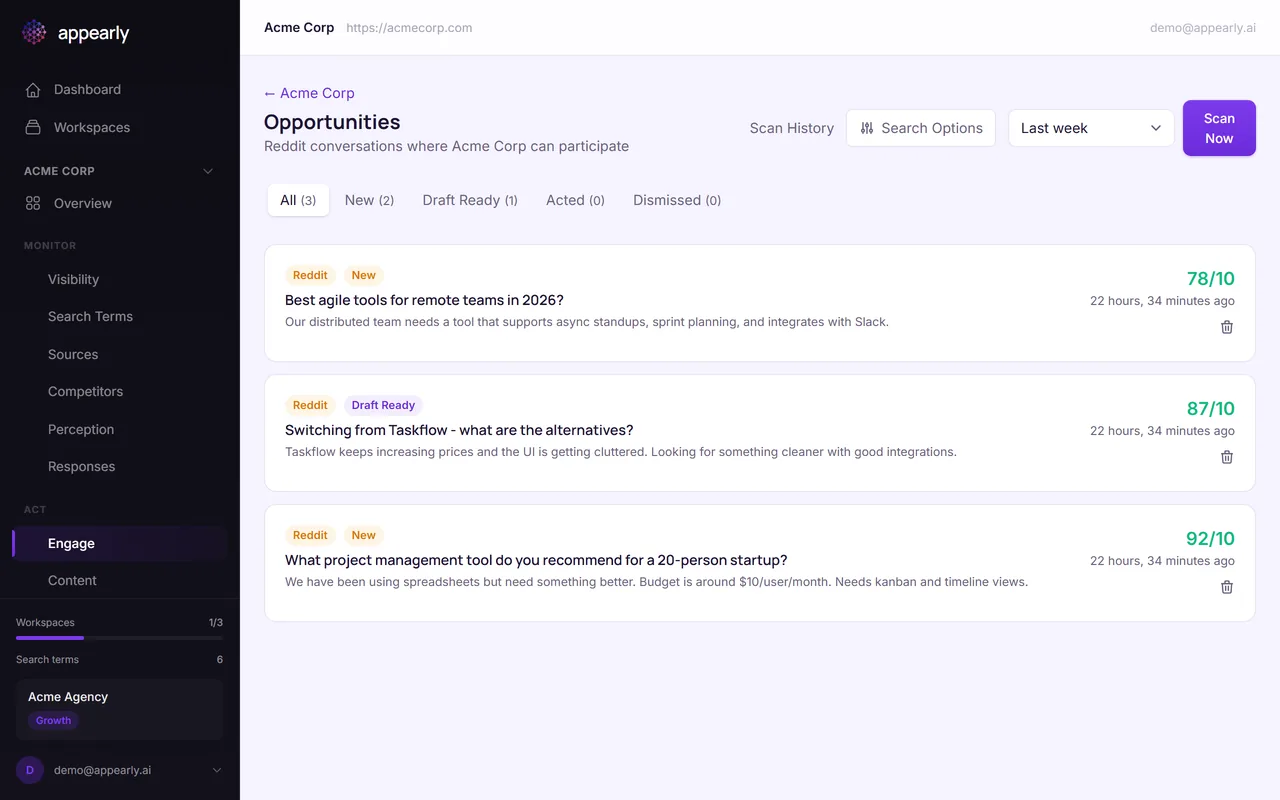
Select any opportunity to see the full context. You'll see the original Reddit thread, a suggested response drafted by AI, and action buttons to update the status as you work through your engagement workflow.
Review the AI Draft
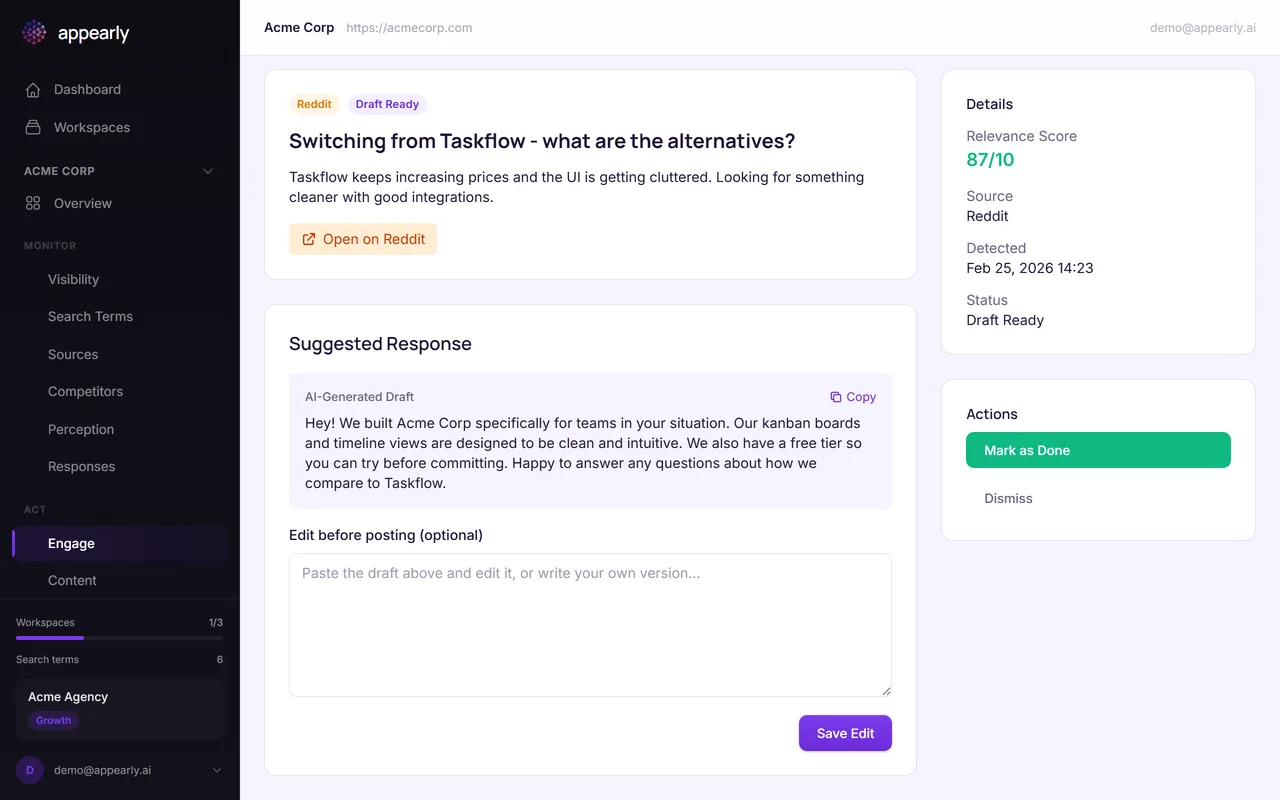
If a draft response is available, review and customize it before posting on Reddit. The AI generates helpful, natural responses rather than promotional messages.
Always add your personal touch and verify the information before posting. Reddit communities are quick to spot (and penalize) low-effort marketing.
Trigger a Manual Scan
Select Scan Now to search Reddit for fresh conversations matching your keywords. The scan searches your target subreddits and evaluates posts from the last 14 days.
You can run 1 manual scan per day per workspace. Automatic scans also run weekly on Sundays.
Manage Target Subreddits
Scroll down to customize which subreddits Appearly monitors. Add subreddits where your target audience is active (like r/SaaS, r/projectmanagement, or r/startups) and remove ones that aren't relevant.
Keeping your subreddit list focused means fewer noise threads and more high-quality opportunities.