Running a GEO Site Audit
Your GEO score tells you how visible you are today. The site audit tells you why. It checks your website for the technical and content factors that influence whether AI engines can discover, index, and cite your pages. This guide walks you through running an audit and reading the results.
In this article:
- Open the Audit Section
- Run a New Audit
- View Your Audit Score
- Review Individual Checks
- Prioritize Your Fixes
- Generate an Action Plan
Open the Audit Section
In the sidebar, select Audit for your workspace. The site audit evaluates your schema markup, crawler access, content quality, citations, and technical signals.
Run a New Audit
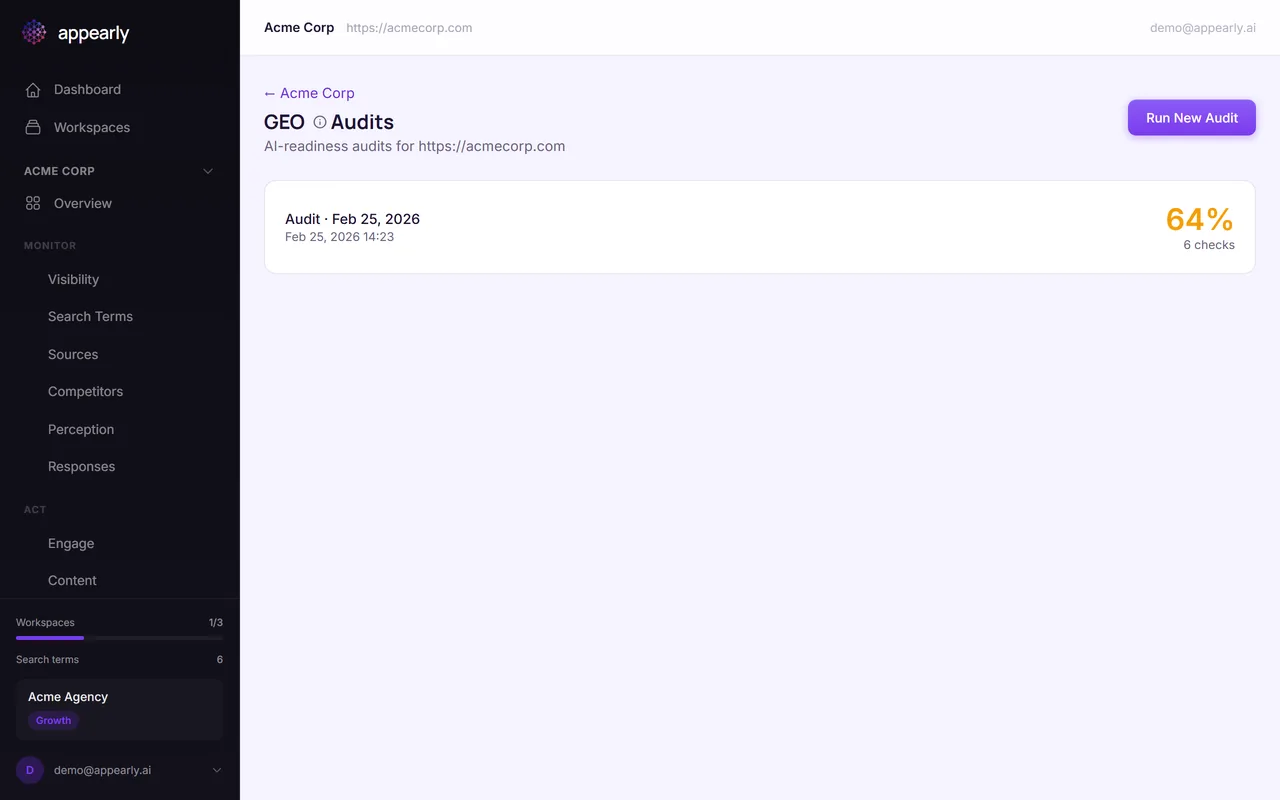
Select Run New Audit. Appearly will analyze your website for factors that influence how AI engines discover, index, and cite your content.
The audit checks schema markup, robots.txt configuration, content quality, external citations, and technical performance.
View Your Audit Score
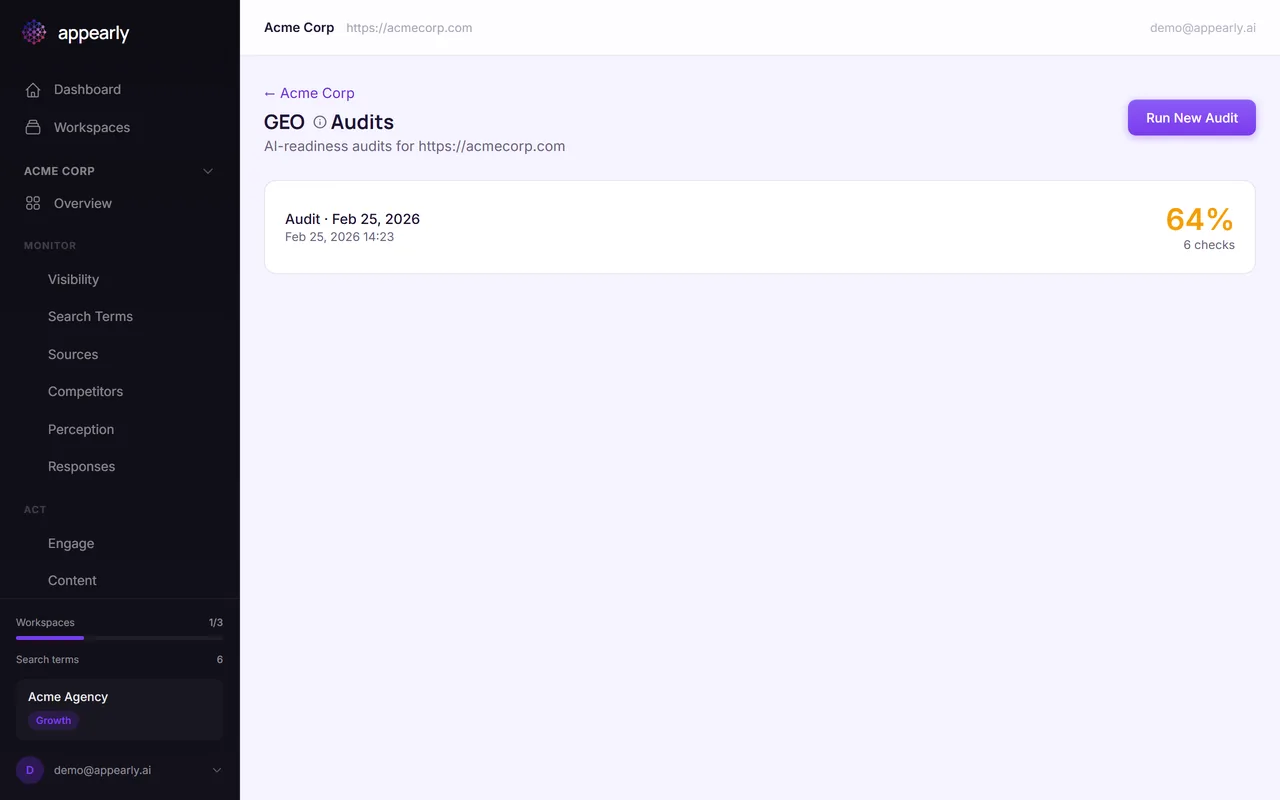
When the audit finishes, you'll see an overall score. Like the GEO score, the color coding tells you where you stand:
- Green (70+): Your site is well optimized for AI engines.
- Amber (40-69): There are improvements to make.
- Red (under 40): Needs urgent attention.
The difference from your GEO score: this measures your website's technical readiness, not your current visibility. Think of it as potential vs performance.
Review Individual Checks
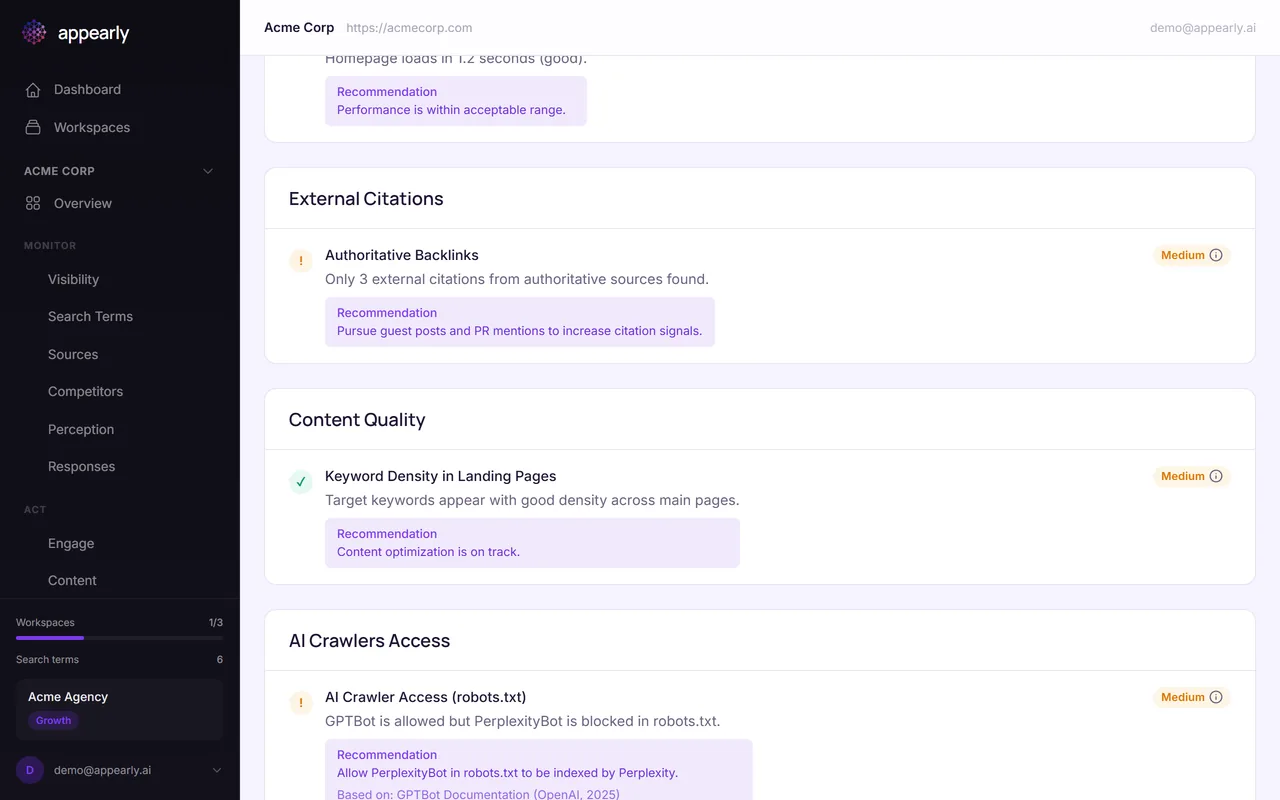
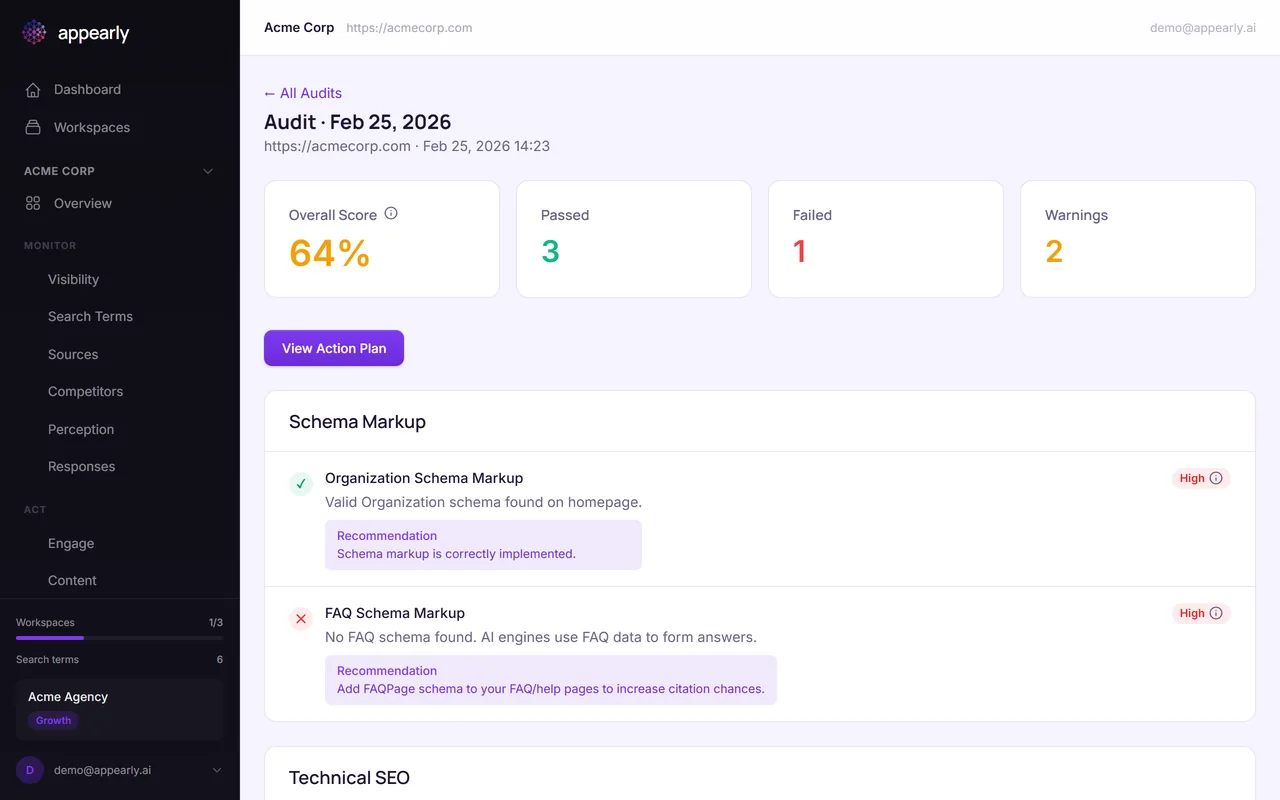
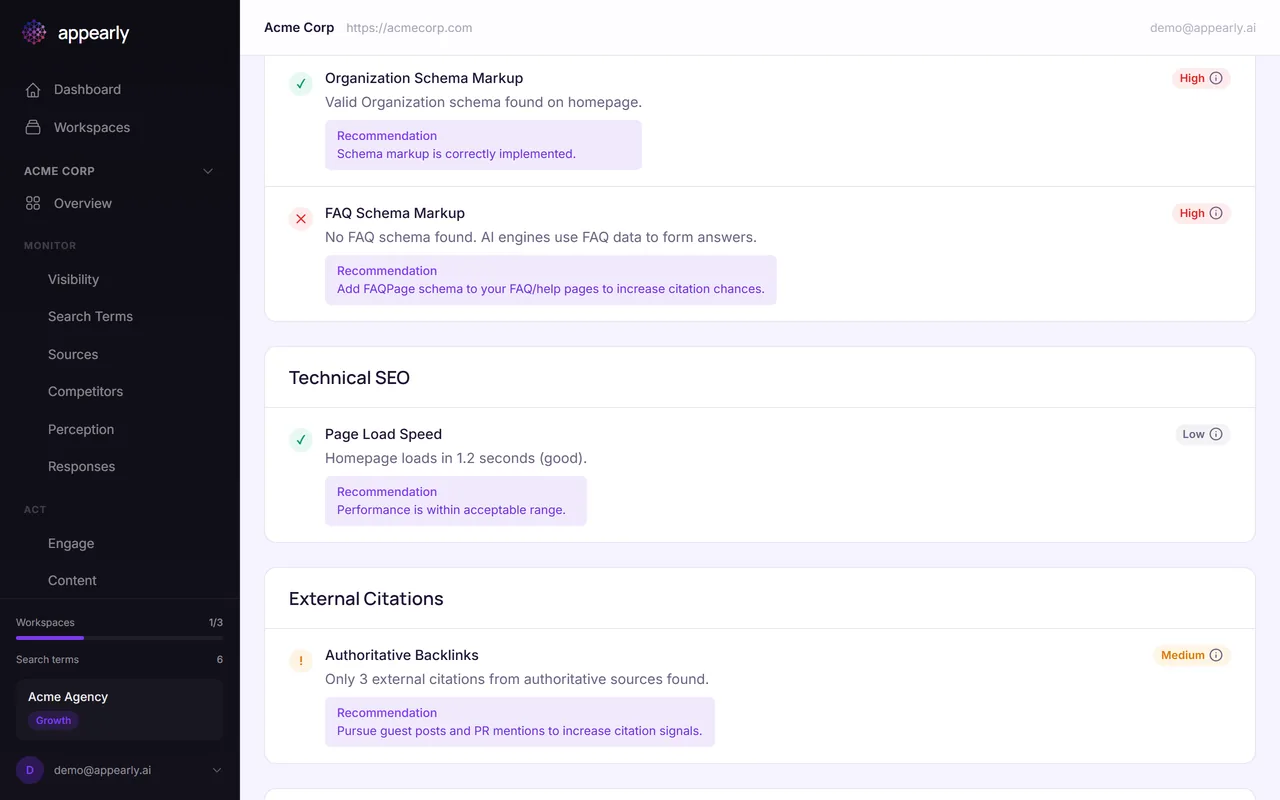
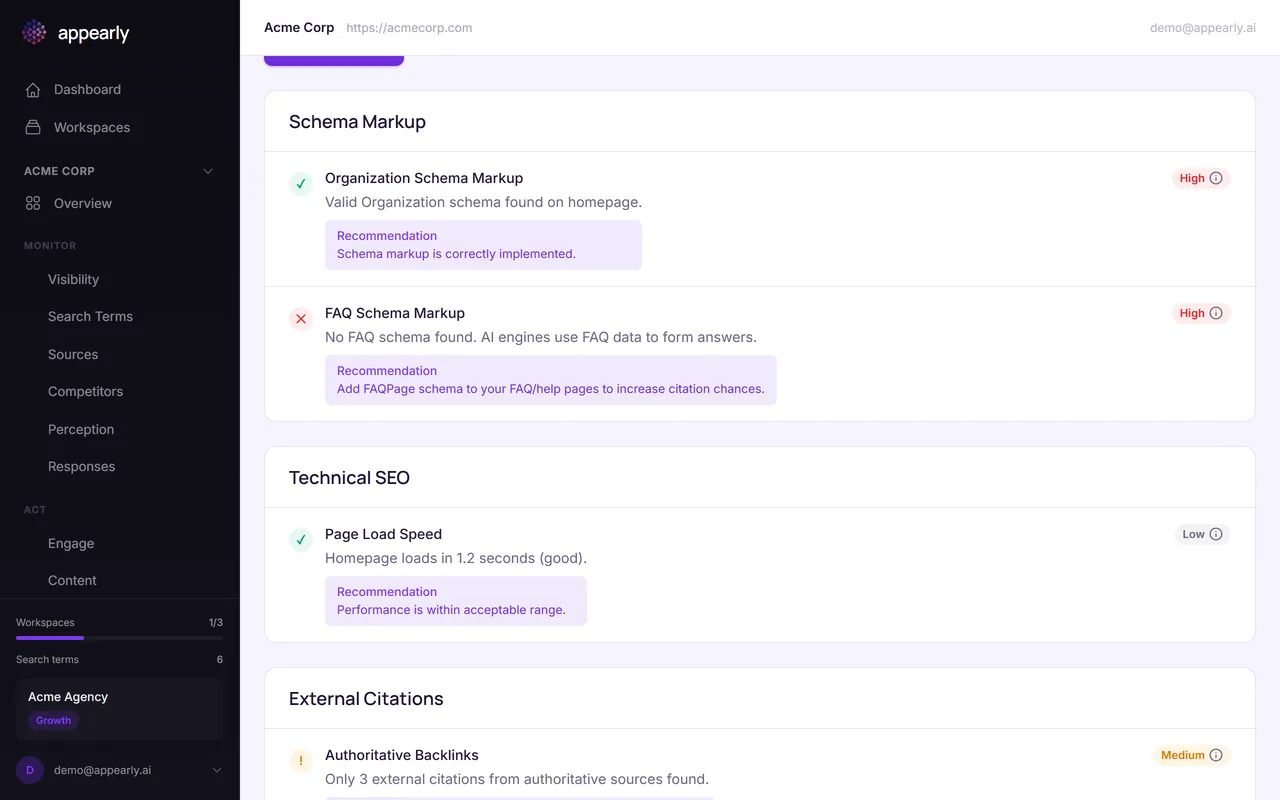
Below the score, each audit item shows what was checked, whether it passed, failed, or generated a warning, its priority level, and a specific recommendation for what to fix.
Items are sorted by impact, so the most important fixes appear first.
Prioritize Your Fixes
Start with the red items marked as high priority. These have the biggest impact on whether AI engines can discover and cite your content.
For example, if your FAQ schema is missing, adding it gives AI engines structured data they can directly use in responses. If an AI crawler is blocked in your robots.txt, unblocking it is a quick fix with immediate impact.
Generate an Action Plan
Once you've reviewed the audit, head to Action Plans. Appearly can automatically generate a prioritized fix list based on your audit findings, complete with copy-paste code snippets for technical changes.