Tracking Cited Sources
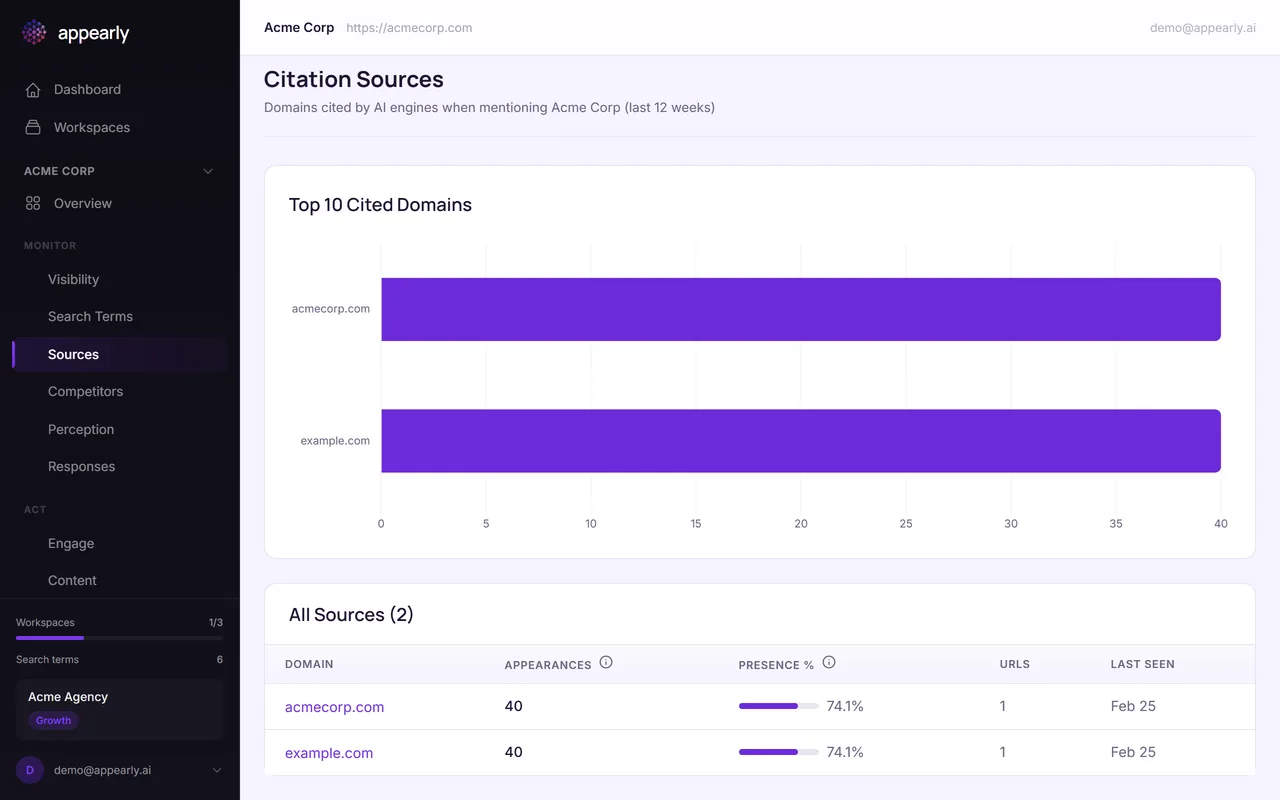
When AI engines mention your brand, they often cite specific pages from your website as evidence. Knowing which pages get cited (and which don't) is critical for your optimization strategy. This guide shows you how to use the Sources tab to find your strongest assets and uncover gaps.
In this article:
Open the Sources Tab
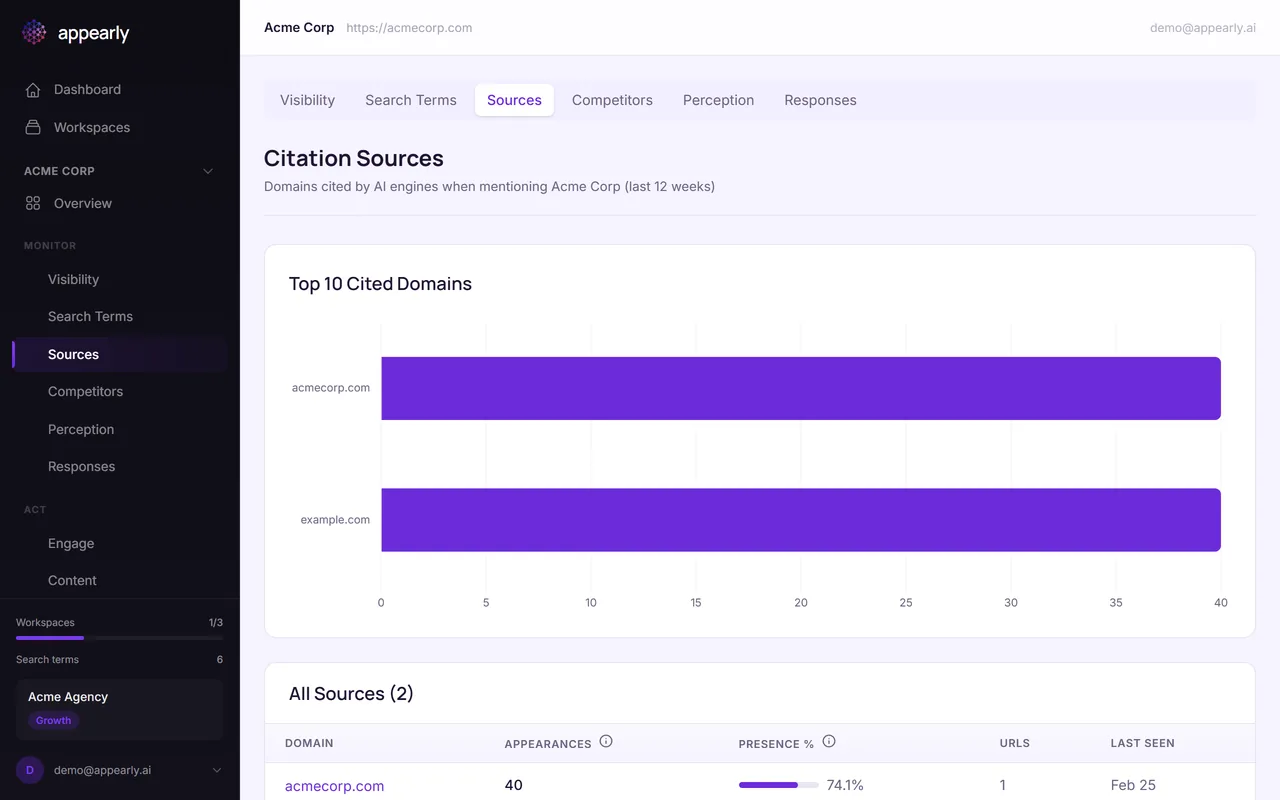
From the Monitor section, select the Sources tab. This view shows you which specific pages from your website are being cited by AI engines in their responses.
Review Your Cited Pages
Each row shows a URL that an AI engine cited when mentioning your brand, along with how many times it was referenced and across which engines.
The most-cited pages sit at the top. Pages that get cited more frequently have a stronger influence on how AI engines perceive and describe your brand.

Identify Your Strongest Assets
Your top-cited pages are your most valuable assets for AI visibility. These are what AI engines consider authoritative sources about your brand.
Make sure these pages are accurate, up to date, and contain the messaging you want AI engines to repeat. If your pricing page is the most-cited source, double-check that the information there is current.
Find the Gaps
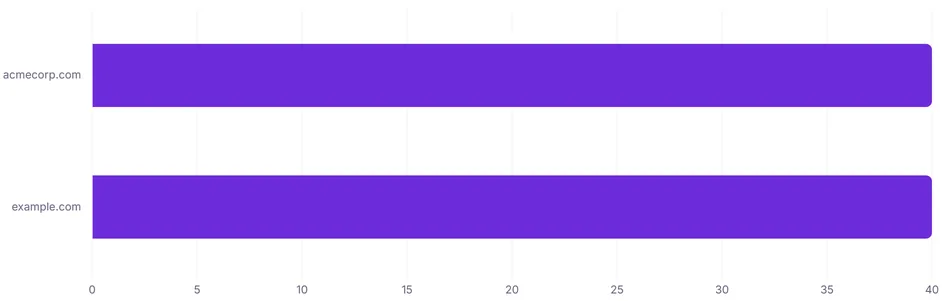
Now look at what's missing. If important pages like your features page, pricing page, or comparison pages are not showing up in the citations list, that's a clear optimization opportunity.
Those pages need better structure, more comprehensive content, or stronger schema markup so AI engines discover and cite them. Your action plan will include specific fixes for this.